
Keyboard Slide 1 Speed Tools Hub
Speed slider, keybind layouts, camera sensitivity, and mobile stick sizing — every utility the Roblox client exposes.
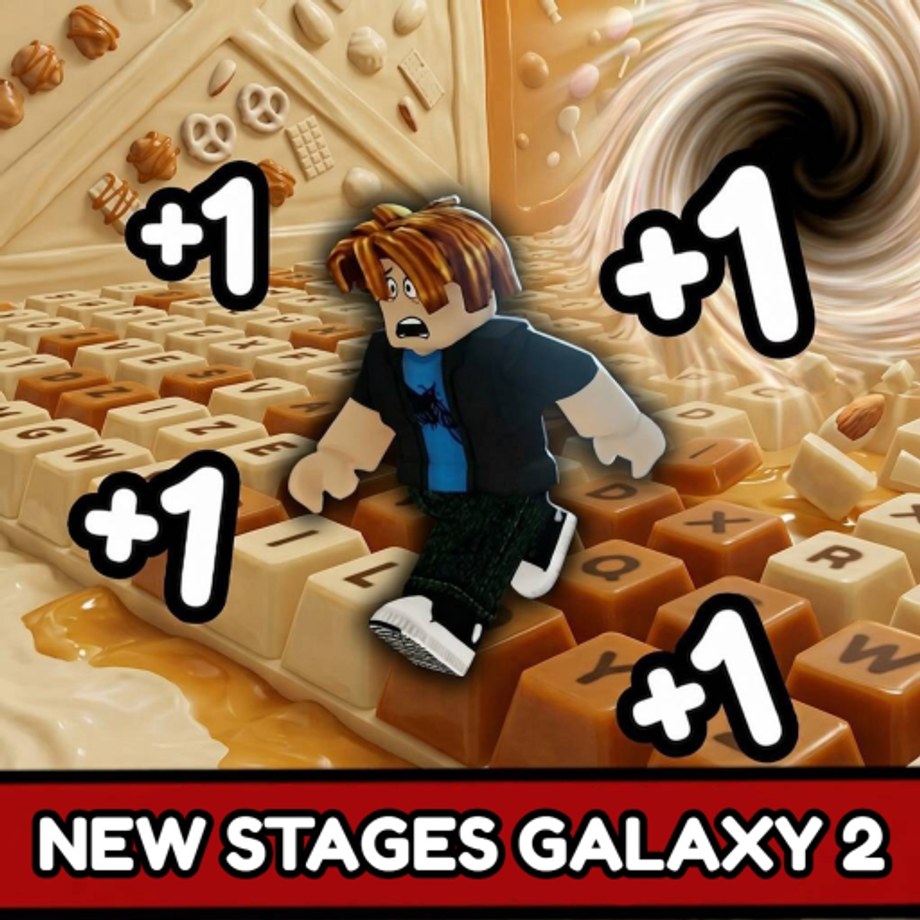
The Tools Hub collects every utility page in Keyboard Slide 1 Speed. These are not walkthroughs or progression guides — they are input tools and settings that affect how you interact with the game at high Speed. The tools here solve specific problems: a slider that fixes overshoot after rebirth, and a settings reference for the options the Roblox client exposes. Open the child page that matches the problem in front of you, then return here when the setting is tuned.
Speed slider
The Speed Slider caps custom WalkSpeed so high-rebirth players can still land on candy and chocolate keys without deleting their multiplier stack. Creators park it around 78. After Rebirth 11 (x100 multiplier) most players cannot run World 1 without it. Lower it for maze and precision stages. Raise it for treadmill AFK. The slider is not in the settings menu — it appears on the right side of the screen during gameplay and does not persist between sessions. High-rebirth players open it immediately on login and reset it after relogging.
Game settings
The Game Settings Hub maps every in-game option the Roblox client exposes: sound packs, camera sensitivity, mobile stick sizing, graphics quality, and keybind layout. Keybinds are fixed on PC — WASD moves, Space jumps, mouse steers camera, and E confirms shop dialogs. There is no rebind menu. Account settings (privacy, 2SV, parental controls) live on roblox.com/my/account, not inside the experience. Mobile has its own input layer: virtual stick travel and camera drag are independent settings that do not affect PC keybinds.
How these tools fit into the game
The slider and settings are the setup layer, not the game itself. Before you commit to a rebirth or an AFK treadmill session, spend two minutes on these pages. A slider set too high turns every pad into a guessing game. A camera sensitivity too high makes the view spin when you only meant to correct. A mobile stick too large causes thumb fatigue and drift on World 2 neon keys. These are solvable problems with documented fixes — the wiki puts them in one place so you do not have to rediscover them mid-run.
When to use which tool
Use the speed slider when keys start looking like a blur after rebirth. Use the game settings hub when camera movement feels wrong on PC or when thumb drift is costing you pads on mobile. If a guide or stage walkthrough tells you to adjust something before entering a world, the relevant page is linked from the tool that needs changing.
Relationship to guides
These tool pages do not replace the Getting Started guide, the How to Get Speed page, or the Stages walkthrough. Tools tune your input setup. Guides teach you the game. Come here to fix the hardware problem, then go back to learning the game.
Frequently Asked Questions
Quick answers to the most common Keyboard Slide 1 Speed questions.
What tools does Keyboard Slide 1 Speed actually have?
A speed slider that caps WalkSpeed, and in-game settings for sound, camera, mobile stick, and graphics. Keybinds are fixed on PC.
When should I open the speed slider?
After Rebirth 11 (x100) when keys start looking like a blur. Lower it for maze and precision stages, raise it for treadmill runs.
Where are the keybind settings?
There is no rebind menu. WASD, Space, mouse camera, and E are fixed on PC. Mobile uses on-screen buttons.
Can I change account settings inside the game?
No. Privacy, 2SV, and parental controls are on roblox.com/my/account. This wiki cannot modify Roblox accounts.
Do these tool pages replace the guides?
No. Tools tune your input setup. Guides and the stages walkthrough are the actual gameplay content.