
The Speed Slider in Keyboard Slide 1 Speed
Cap WalkSpeed to land pads without wiping your multiplier stack — creators park it around 78.
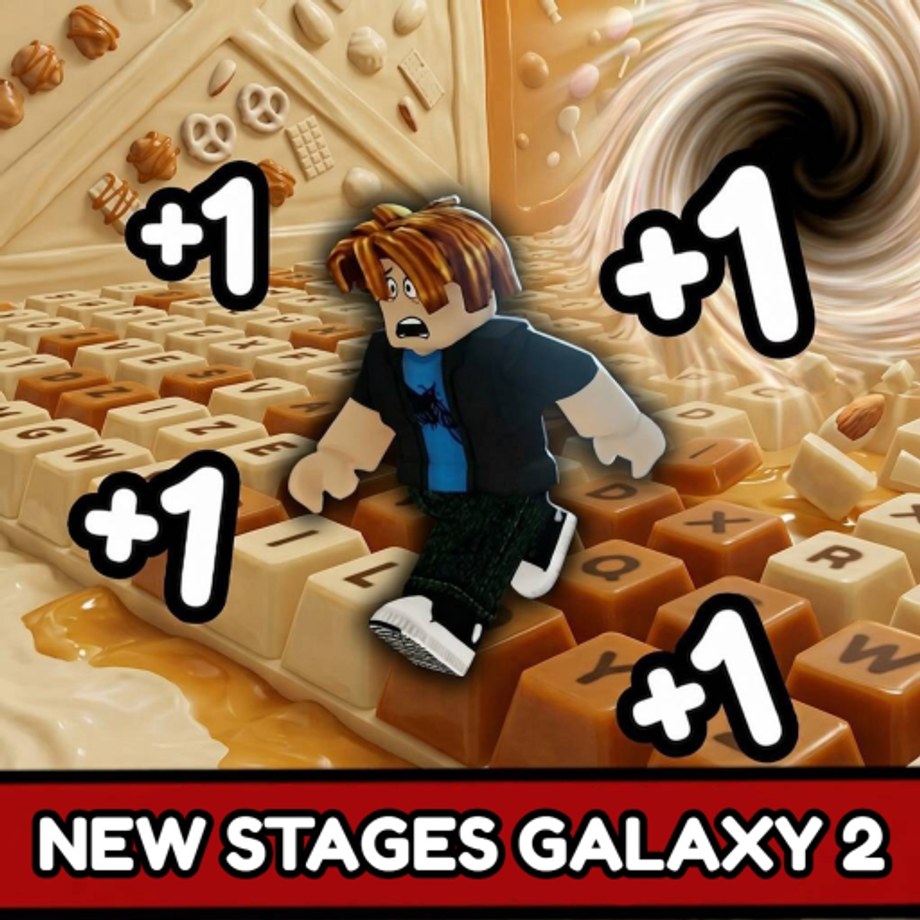
The speed slider on the right of the screen is the most misunderstood tool in Keyboard Slide 1 Speed. When Speed climbs past what fingers can track, players overshoot every pad and fall repeatedly in a loop that feels like a bug but is actually a speed management problem. The slider caps custom WalkSpeed so you can still land without deleting the multiplier stack you spent hours building. Creators commonly park it around 78. This page covers when to open it, what the numbers mean, how it interacts with treadmills, and how to reset it if it gets stuck.
When the slider appears
The slider is always available, not locked behind a setting or a level gate. Open it whenever Speed makes keys look like a blur or when you find yourself falling off the same pad three times in a row. After Rebirth 11 (x100 multiplier) most players cannot run World 1 without it because their effective speed is so high that the candy keys register as invisible for the fraction of a second it takes to pass through them. After Rebirth 15 (x1M) the slider becomes a permanent part of the input setup rather than an emergency tool — high-rebirth players open it immediately on login and check it after every rebirth.
What the numbers mean
The slider controls custom WalkSpeed in studs per second, not the multiplier. At 78, your avatar moves at 78 studs per second regardless of what x100B or x1M says on the rebirth counter. The multiplier still applies to level gains and Speed accumulation on every step. The slider only caps the raw movement speed so your fingers have a chance to time inputs correctly. Setting the slider to 50 does not reduce your multiplier — it just means you move at 50 studs per second while the multiplier continues to compound on every pad you successfully land.
When to lower it
Drop the slider before any stage with precise jumps or maze turns. Stage 12 maze and Stage 14 U-key dodge are where high-Speed players use the slider most because those rooms require pixel-perfect timing on narrow platforms. Lower it before the stage starts, clear the room, then raise it back for the treadmill. The slider position does not reset between stages — you control it entirely. A common mistake is lowering the slider, clearing a hard room, then forgetting to raise it before the treadmill, which turns an AFK farming session into a manual run.
When to raise it
On treadmills and long straight keyboard runs where falling is not a risk. Chocolate treadmill, Diamond treadmill, and Admin treadmill ticks all benefit from higher speed because each tick is a discrete event that does not require precision timing. The slider does not affect treadmill multiplier — it only affects how fast you traverse the physical keys under your character. If you set the slider to 200 on a treadmill, you still earn the same multiplier per tick, but your character moves faster across the keyboard surface.
Mobile limitation
Mobile does not have the same slider interface. If you play on mobile and find yourself unable to land on pads after a rebirth, reduce camera drag speed first and rely on the on-screen stick travel circle for control. The mobile experience is fundamentally different at high rebirth levels because the slider that PC players use to cap speed is not available in the mobile build.
How to reset it
Click the slider and drag back to maximum, or close the game and rejoin the server. The slider does not save between sessions — every new login starts without a custom cap, which is why high-rebirth players open it again immediately after the lobby loads. If the slider feels stuck at a value you did not set, the most likely cause is that you joined a server where a previous session left it modified. Relog to clear it.
Frequently Asked Questions
Quick answers to the most common Keyboard Slide 1 Speed questions.
Does the speed slider delete my multiplier stack?
No. It caps custom WalkSpeed only. Level multipliers and rebirth bonuses still apply. The stack is safe.
What number should I set the slider to?
Around 78 is common among creators. Lower it for maze and precision stages. Raise it for treadmill AFK.
Does the slider work on mobile?
Mobile does not have the same slider. Reduce camera drag speed instead and rely on the on-screen stick travel circle for control.
Can I use the slider while on a treadmill?
Yes. The slider caps WalkSpeed but does not change the treadmill multiplier. Chocolate x1 stays x1 regardless of slider position.
Does the slider reset when I rebirth?
No. The slider position is independent of rebirth. Close the game and rejoin if the slider feels stuck.